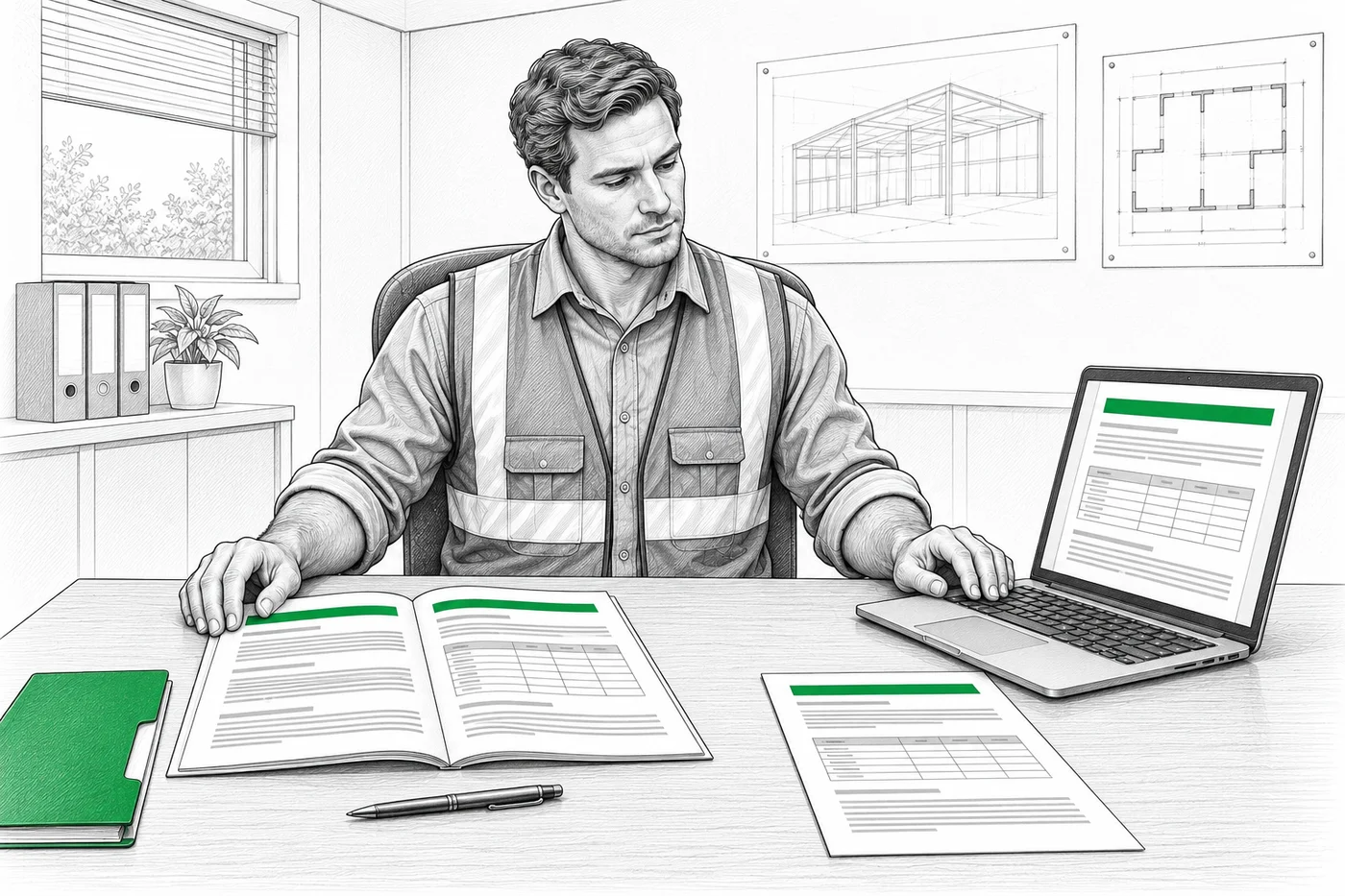
Choose for the paperwork you do
A template can work well if you are comfortable writing the content and managing the files. Software becomes useful when you repeatedly assemble, change and export RAMS. Neither option removes the need to assess the actual job.
- Editable file
A template may be enough
You already have suitable content, can keep it up to date and are happy to handle formatting. It can also be the practical choice when your client insists on their own editable form.
- Structured workflow
Software may be worth it
You prepare RAMS regularly, want a structured workflow and would rather select relevant content than rebuild each document by hand.
What changes when you use software?
Here is an editable Word template compared with RAMSCloud.
| Word template |   |
|---|---|
| Start a document | |
| A blank form still needs content. Write the work headings and steps, then fill in the assessment tables yourself. | Choose ready-made work headings and steps, then add your job details. The document structure is already set up. |
| Find relevant content | |
| Find reliable hazard guidance or checked past assessments. Work out which risks and controls apply, then bring the relevant wording into your file. | Search the built-in database of approved library hazards, controls and work instructions. Select the content that fits your job. |
| Adapt it to your work | |
| You need to understand the source material, rewrite it for the job and keep the assessment and work steps consistent. | Adapt the work instructions and add custom headings, steps or hazards where needed. Approved library hazard assessments are already filled in and stay read-only. |
| Make a change | |
| Edit the wording, check related sections and fix any shifted tables or page breaks. Keeping Word tidy takes time and formatting skills. | Update the saved RAMS and generate a new PDF. RAMSCloud handles the PDF layout and pagination. |
| Work on site | |
| Editing tables on a small screen can be fiddly. You also need a compatible app and the right file version. | Create and update your saved RAMS in a browser on your phone, tablet or computer. Internet connection required. |
| Send the result | |
| Check margins, table splits and page breaks before exporting. Fix the layout in Word if the PDF does not look right. | Preview and download the automatically formatted RAMS PDF. Check the content and confirm your client accepts PDF. |
Using a template does not automatically make the assessment weak. Using software does not automatically make it correct.
Sources: 1
Using your RAMS on another site
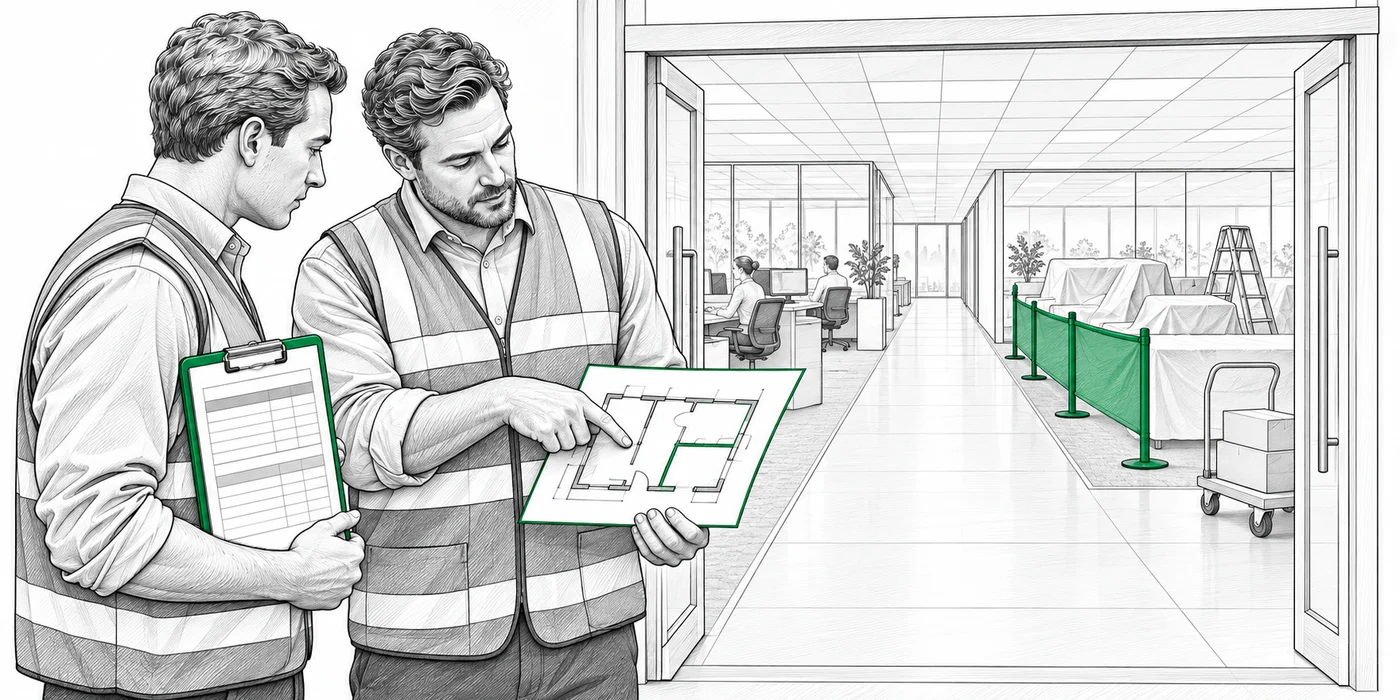
Suppose you have RAMS for repainting an empty office. The next office stays occupied. Changing the address alone would miss the people working around you.
- Update the document
With a template
Make a new working copy. Update the job details, people affected, work boundaries, access and work sequence. Check the whole file before exporting it.
- Update the document
With RAMSCloud
Create an editable copy of your saved RAMS. Update the project details, reassess the hazards and review the work steps and site arrangements before exporting a new PDF.
In both cases, check the controls with the site team and explain the agreed method to the people doing the work.
What RAMSCloud helps you do
RAMSCloud brings the risk assessment and method statement into one structured document. Use it to organise the preparation; you still decide what fits the job.
- 01
Start with ready-made content
Search the database for work headings, steps, hazards and controls. Select what fits, add custom work and hazards, and adapt work instructions to the job. Approved library hazards stay read-only.
- 02
Keep an editable file
Save the RAMS and reopen it for changes. Create an editable copy when preparing a separate document for another job.
- 03
Create RAMS wherever you work
Use your phone, tablet or computer, in the office or on site. RAMSCloud runs in your browser with an internet connection.
- 04
Prepare the PDF
Review the assessment, work sequence and site arrangements together, then preview and download the PDF.
If your client requires an exact Word form, check that requirement first. RAMSCloud’s PDF output may not replace that form.
Check these before you send either version
The useful question is whether the document describes the planned work clearly enough for the people using it.
Template or software
Before you send your RAMS
HSE provides a risk-assessment template, but warns against copying an example and only changing the company name. The site-specific thinking is needed whichever tool you choose.
Sources
Read the full guidance for more detail.