

Overview
Keep the risk assessment, sequence of works and supporting arrangements together. Select approved library hazards that fit the job, or create a custom hazard when you need your own assessment. Approved hazard content remains read-only.
- Connected content. Hazards, controls and the work sequence can be reviewed against each other before the PDF is shared.
- Five-stage workflow. Five stages keep project facts, assessment work and final checks in a predictable order.
- Editable saved files. Autosaved drafts and saved RAMS can be reopened and edited before or after the PDF is shared.
How it works
Document details
Add the project, site, client, dates and the people responsible for the document.
Hazard ID & Risk Assessment
Select approved library hazards that match the work. Their content is read-only. Use Add custom hazard when you need to enter your own assessment.
Sequence of works
Select relevant activities and instructions, then arrange them in the order the work will happen.
Summary & Description
Record how the job will be carried out, including supervision, equipment, PPE and site arrangements.
Save & finish
Review the document, add any needed COSHH assessments and supporting files, then save the RAMS and download the PDF.
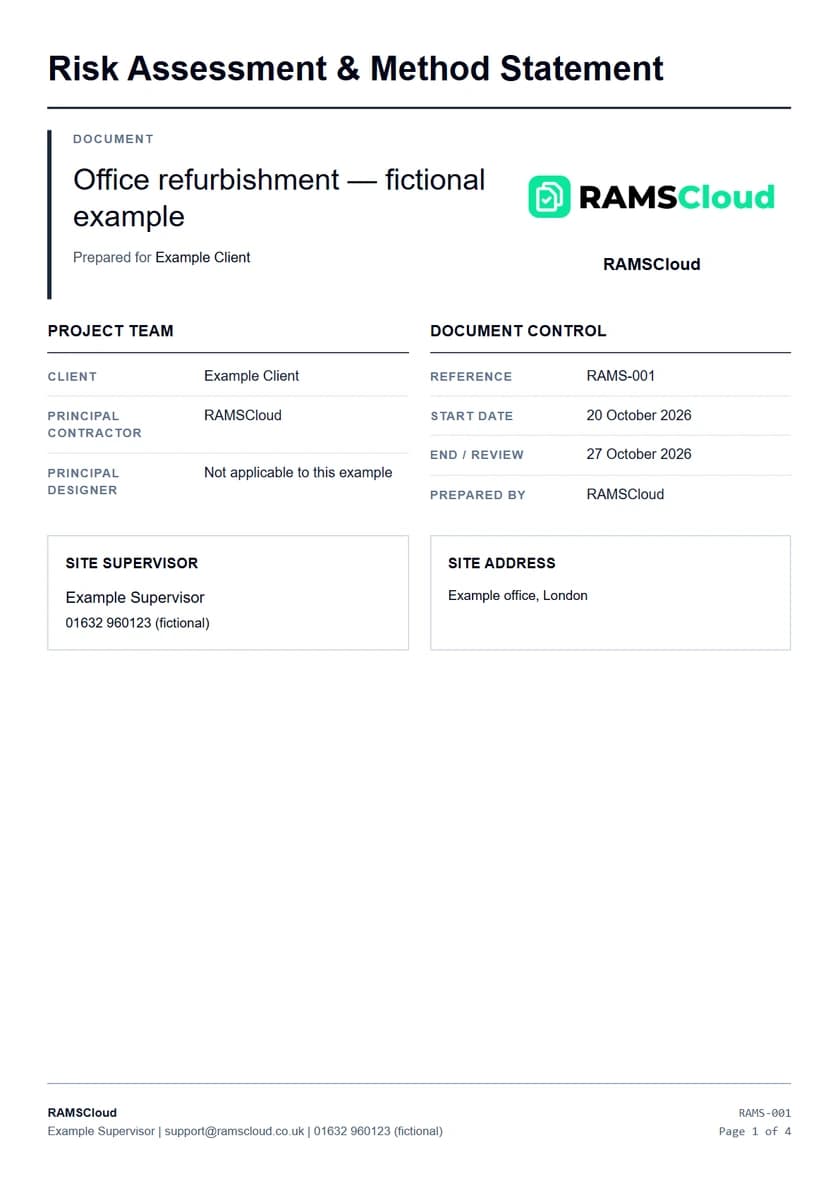
RAMSRisk assessment and method statementExample RAMS output after reviewing and exporting the document.Illustrative example · fictional project
Before you finish
RAMSCloud supports preparation and control. It does not approve a document or replace the competent person responsible for the planned work.
Create your first document
Start your free trial7 days free. Then £24/month. Card required.
Renews monthly unless cancelled.